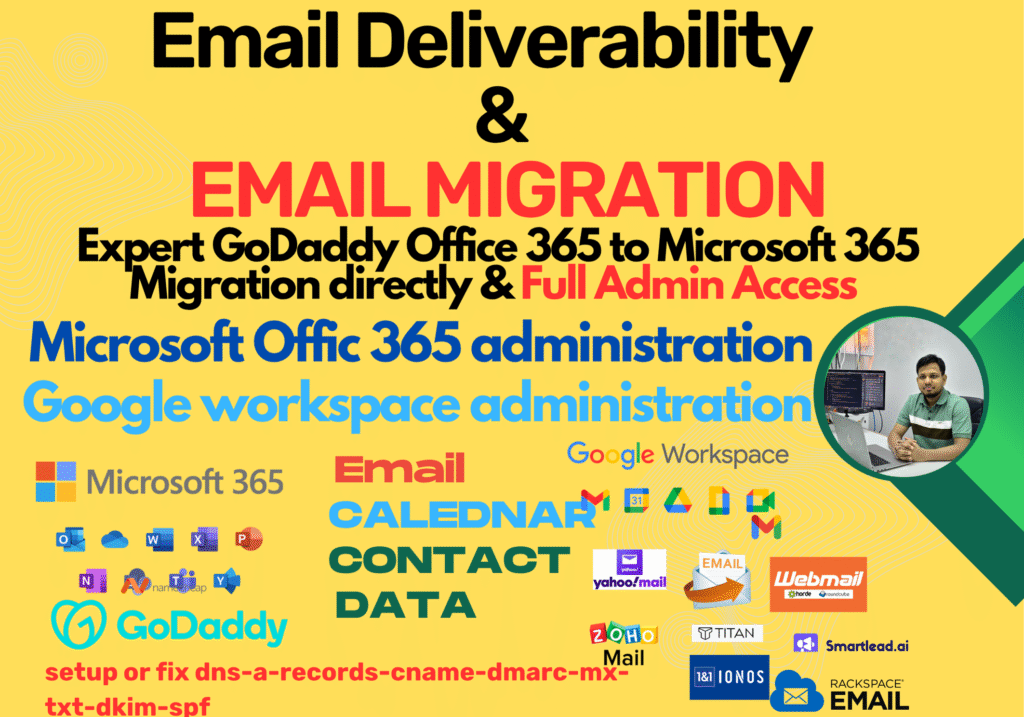
What Is Email Migration Services?
Email Migration
Email Migration Planning & Assessment
We begin with a thorough assessment of your current email environment to plan a tailored migration strategy. This includes evaluating data volume, user accounts, and compatibility with the target platform.
Data Backup & Integrity Assurance
Before migration, we perform secure backups to ensure no data is lost. Our process maintains folder structures, attachments, and metadata integrity throughout the transition.
Migration Execution
We execute the migration using industry-standard tools and protocols, ensuring a smooth transfer of emails, contacts, and calendars with minimal downtime.
Post-Migration Support
After migration, we provide support to resolve any issues, verify data accuracy, and assist users with accessing their new email environment.
🔹 Why Choose This Service?
Optimized Communication
With properly configured Microsoft 365 email systems, your communication will be fast, secure, and fully integrated with other tools like Teams and OneDrive.
Email Deliverability
I ensure that your email system is optimized for inbox placement, preventing your emails from being marked as spam.
Secure Infrastructure
With SPF, DKIM, and DMARC records properly configured, your email sending reputation will be secure, ensuring reliable communication.
Seamless Migration
Already using Microsoft 365? I can migrate your current email accounts and data without any disruption to your business. simple design this no need background
What is email migration?
Email migration is the process of moving email data from one system to another, such as from Gmail to Microsoft 365 or from an on-premise server to the cloud.
Can you migrate emails from any provider?
Yes, we support migrations from various providers including Gmail, Yahoo, Outlook, Exchange, and other IMAP/POP-based systems.
Will my emails and folders be preserved?
Absolutely. We ensure that your emails, folders, attachments, and metadata are preserved during the migration process.
How long does the migration take?
The duration depends on the volume of data and number of accounts. Most migrations are completed within a few hours to a few days.
Is there any downtime during migration?
We aim t zero downtime. Most users can continue working while the migration occurs in the background.
Do you provide support after migration?
Yes, we offer post-migration support to ensure everything is working correctly and to assist users with accessing their new email setup.
